How to Size Laser Power for Thick Steel and Stainless Sheets
Sizing laser power for thick steel and stainless sheets requires balancing wattage, focal length, gas pressure, and head height. Match output to material thickness and alloy type to ensure clean kerf, minimal heat-affected zones, and stable cutting speed without damaging optics or consumables.
- Match laser wattage to plate thickness and alloy type to maintain a stable, clean cut profile.
- Adjust focal length, gas pressure, and assist gas flow to compensate for heat input and kerf quality.
- Verify head height, nozzle condition, and gas purity before cutting heavy gauge material.
- Use test coupons to validate power and speed settings before running production material.
Why Thick Materials Need a Different Power Approach
Thick steel and stainless sheets reject standard light-gauge settings. A machine tuned for two millimeter plate will struggle with ten millimeter carbon steel or eight millimeter stainless. The laser beam enters the material, melts a narrow channel, and the assist gas blows the molten metal out. On heavier stock, the same power creates a deeper heat-affected zone, a wider kerf, and a rougher edge.
Sizing laser power for thick materials is not about maxing out the wattage. It is about finding the balance where the beam energy melts exactly what the gas can remove. Too much power burns the edge. Too little leaves a dross layer. The correct setup depends on material, thickness, alloy composition, and the condition of the cutting head.
Step 1: Identify the Material and Thickness
Start with the plate spec. Carbon steel and stainless steel behave differently. Carbon steel cuts faster at lower power because it has a lower melting point and lower reflectivity. Stainless absorbs more energy and requires higher wattage to clear the melt pool. Aluminum reflects the beam and needs a different gas and power curve.
Check the thickness in millimeters. A plate that is nominally three millimeters may actually be 3.2 millimeters due to tolerance. Always measure the actual stock. This step prevents guessing. The material data sheet gives the base, but the physical plate gives the truth.
Step 2: Select the Correct Laser Power Range
Choose a power level that covers the material thickness with a margin. General practice for fiber lasers uses a power-to-thickness ratio. For carbon steel, a rule of thumb is one watt per one millimeter, adjusted for alloy. For stainless, double that estimate. For example, a ten millimeter carbon steel plate might need a wattage in the high single-digit kW range, while an eight millimeter stainless plate may need a wattage in the low double-digit kW range.
Do not use the absolute maximum power on the machine. Excess power creates a wide kerf and a rounded bottom edge. The goal is a straight, narrow channel. If the power is too low, the cut slows down and the dross layer thickens. If the power is too high, the beam burns the top edge and the gas cannot clear the melt.
Step 3: Set the Assist Gas and Pressure
The assist gas does two jobs. It cools the melt pool and it blows the molten metal out of the kerf. For thick steel, oxygen is common for carbon steel, while nitrogen or air is often used for stainless to reduce heat-affected zones.
Pressure matters. Low pressure leaves dross. High pressure can blow the beam out of the kerf and cause instability. For thick carbon steel, a higher oxygen pressure helps clear the melt. For stainless, a moderate pressure with nitrogen or air keeps the edge clean. Check the gas flow with a flow meter. A clogged or dirty nozzle changes the effective pressure and ruins the cut.
Step 4: Adjust the Focal Length and Head Height
Focal length determines where the beam converges. For thick material, you want the focus point near the top of the plate. If the focus is too deep, the beam spreads before reaching the bottom, reducing energy density. If the focus is too shallow, the top edge burns and the bottom edge is weak.
Set the head height so the nozzle tip is just above the plate surface. A typical head height is a few millimeters, depending on the nozzle size. Use a laser focus sensor if available. If you use a manual setup, measure from the nozzle tip to the plate with a feeler gauge or a digital caliper. A head height error of one millimeter changes the beam diameter at the focal point and affects the quality of the cut on thick stock.
Step 5: Configure the Laser Parameter Settings
The control panel holds several variables. Power, speed, gas pressure, head height, and focus position must be coordinated. Change one variable at a time. If you change power and speed together, you cannot tell which one caused the problem.
Start with a slow speed and moderate power. Run a test line across a scrap piece. Watch the dross layer. If you see a black, raised ridge at the bottom, the power is too low or the speed is too high. If the edge is jagged and the top is melted, the power is too high. Adjust in small increments. A change of one percent in power or one millimeter per second in speed can make the difference between a clean cut and a failed part.
Step 6: Use the Right Nozzle
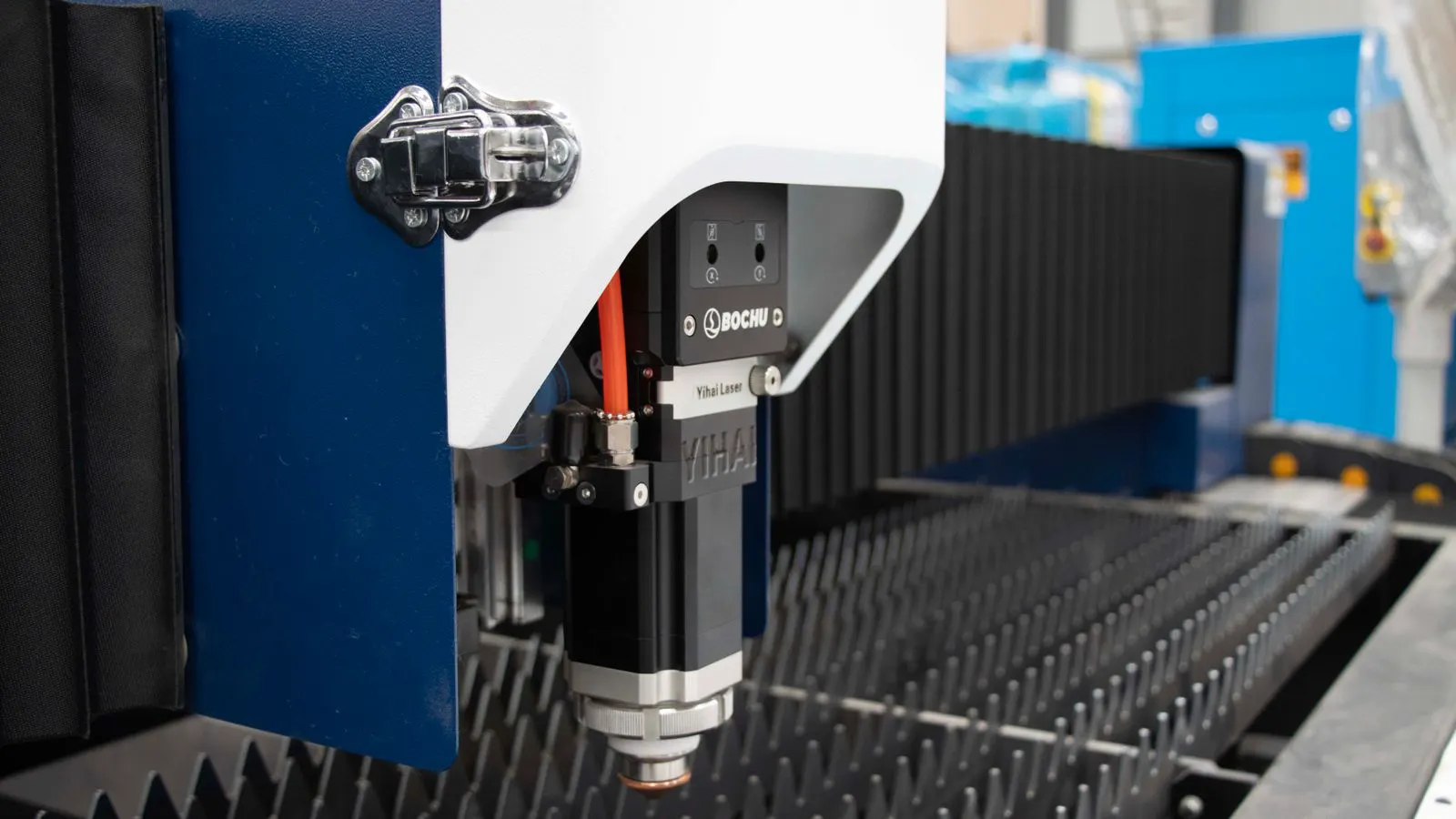
The nozzle size affects the beam quality and the gas flow. A larger nozzle allows more gas to flow, which is useful for thick material. It also changes the focal point and the beam diameter. A small nozzle gives a tighter focus, which is good for thin plate but may not clear the melt pool on thick stock.
Match the nozzle to the material and thickness. For thick steel, a nozzle with a larger bore helps the gas blow the molten metal out. Check the nozzle for wear, cracks, or carbon buildup. A damaged nozzle distorts the beam and causes poor edge quality. Replace the nozzle after a set number of hours of use or when you see dross on the cut edge.
Step 7: Verify the Cut with a Test Coupon
Before cutting production material, run a test coupon. Use a piece of the same plate, the same thickness, and the same material grade. Cut a square or a circle. Inspect the edge with a magnifying glass or a light.
Look for three things. First, the kerf width should be narrow and straight. Second, the bottom edge should be free of dross. Third, the top edge should be smooth, not melted or burned. If the test fails, go back to Step 2 and adjust the power. If the power is correct but the speed is wrong, adjust the speed. Repeat until the cut looks right.
Common Mistakes in Laser Power Sizing
Several errors ruin thick material cuts. The first is using a power setting from a thinner plate. A setting that works for two millimeters will fail on ten millimeters. The second is ignoring the alloy. Carbon steel and stainless need different power and gas. The third is a dirty nozzle. Carbon buildup from previous cuts changes the gas flow and the beam path. The fourth is an incorrect head height. Even a small error changes the focal point and the cut quality.
Another mistake is relying on default settings. The machine may have a preset for a common thickness, but your plate may be thicker or thinner than the default. Always check the actual material. A last mistake is skipping the test coupon. Running a full production batch on unverified settings wastes material and time. A two-minute test cut saves hours of rework.
Final Verification Checklist
Before you start the production run, run through this list. Check the material thickness and alloy. Confirm the laser power is within the correct range for that thickness. Verify the assist gas type and pressure. Inspect the nozzle for damage. Set the head height and focus point. Run a test coupon and inspect the edge. Only when the test coupon passes should you cut the actual parts.
This checklist takes a few minutes. It prevents the most common failures in thick steel and stainless cutting. The settings you choose today will carry over to the next run, so document them. Record the power, speed, gas pressure, and head height for each material and thickness. This knowledge base saves time and keeps the cut quality consistent.
Frequently asked questions
What laser power do I need for thick carbon steel?
Use a power level based on the plate thickness and alloy. For carbon steel, a higher wattage is needed for thicker plates. Start with a test coupon and adjust in small increments to find the clean cut.
How does stainless steel differ from carbon steel in power sizing?
Stainless steel absorbs more energy and requires higher power to clear the melt pool. It also benefits from nitrogen or air as an assist gas to reduce heat-affected zones.
Can I use the same settings for different thicknesses of the same material?
No. Power, speed, and gas pressure must be adjusted for each thickness. A setting that works for two millimeters will not work for ten millimeters without modification.
What should I do if the cut has dross on the bottom edge?
Increase the laser power or reduce the cutting speed. Also check the gas pressure and nozzle condition. A clogged nozzle or low gas pressure can cause dross.
How do I know if the head height is correct?
Use a laser focus sensor or measure the distance from the nozzle tip to the plate with a caliper. A head height error changes the focal point and affects the cut quality.