Laser System Cost: Balancing Power Output with Total Ownership
Laser cost extends beyond the sticker price. You must weigh power output against long-term operating expenses, maintenance, and delivery time. This guide explains how to compare quotes fairly and budget for total ownership to match your production needs.
- Upfront price is only part of the equation; power output directly affects cycle times and long-term labor costs.
- Total ownership includes maintenance, spare parts, energy use, and downtime, which vary by machine type.
- A clear RFQ with specific material thicknesses and production targets ensures fair quotes from vendors.
- Compare quotes by looking at the cost per part, not just the capital expenditure.
Why Sticker Price Misleads Buyers
The first number on a laser quote often reflects the machine itself. But that number rarely reflects the cost of running it for five years. A higher power output may cost more to buy, yet it can cut cycle times so significantly that the machine pays for itself faster. Conversely, a low-power unit might look cheap on day one and then bleed money through slower throughput and higher operator hours.
When evaluating laser cost, you must look at the entire lifecycle. This includes the capital purchase, installation, training, and the daily grind of cutting or marking. For many shops, the difference in energy consumption between a 1kW fiber unit and a 3kW unit is negligible. The real financial gap appears in labor productivity and the volume of parts produced per shift.
How Power Output Affects Long-Term Expenses
Power output determines how fast you can cut through specific materials. A 2kW laser handles thin sheet steel quickly. A 6kW laser handles the same steel in a fraction of the time, but it may also handle thicker plate that the 2kW unit cannot touch efficiently.
If you run a high-volume operation, the higher power unit reduces the cost per part. You spend less money on electricity per hour, but you produce more parts in that hour. The math favors the higher power unit. If you run a low-volume, high-precision job shop, the lower power unit may be sufficient. You avoid paying for unused capacity, and the maintenance schedule might be less demanding.
The key is matching output to your actual production load. Do not buy a 10kW machine for a shop that only cuts 0.5mm aluminum. You will pay for power you never use. On the other hand, buying a 1kW machine for a shop that needs to cut 5mm steel will lead to frustration, longer cycle times, and a higher cost per part due to extended machine uptime.
Key Drivers of Laser Cost
Several factors drive the price tag of an industrial laser system. Understanding these drivers helps you negotiate and compare quotes from different suppliers. The table below lists the most common cost factors and how they influence the final price and delivery time.
| Cost Driver | Impact on Price | Impact on Lead Time |
|---|---|---|
| Laser Source Power | Higher power increases capital cost | Custom high-power sources may take longer |
| Machine Configuration | Custom frames or enclosures add cost | Standardized units ship faster |
| Automation Level | Robotics and gantries increase cost | Integration and testing extend delivery |
| Material Compatibility | Specialized heads for ceramics or glass | Custom tooling may require additional R&D |
| Service Package | Extended warranties lower long-term risk | Pre-delivery inspections add days |
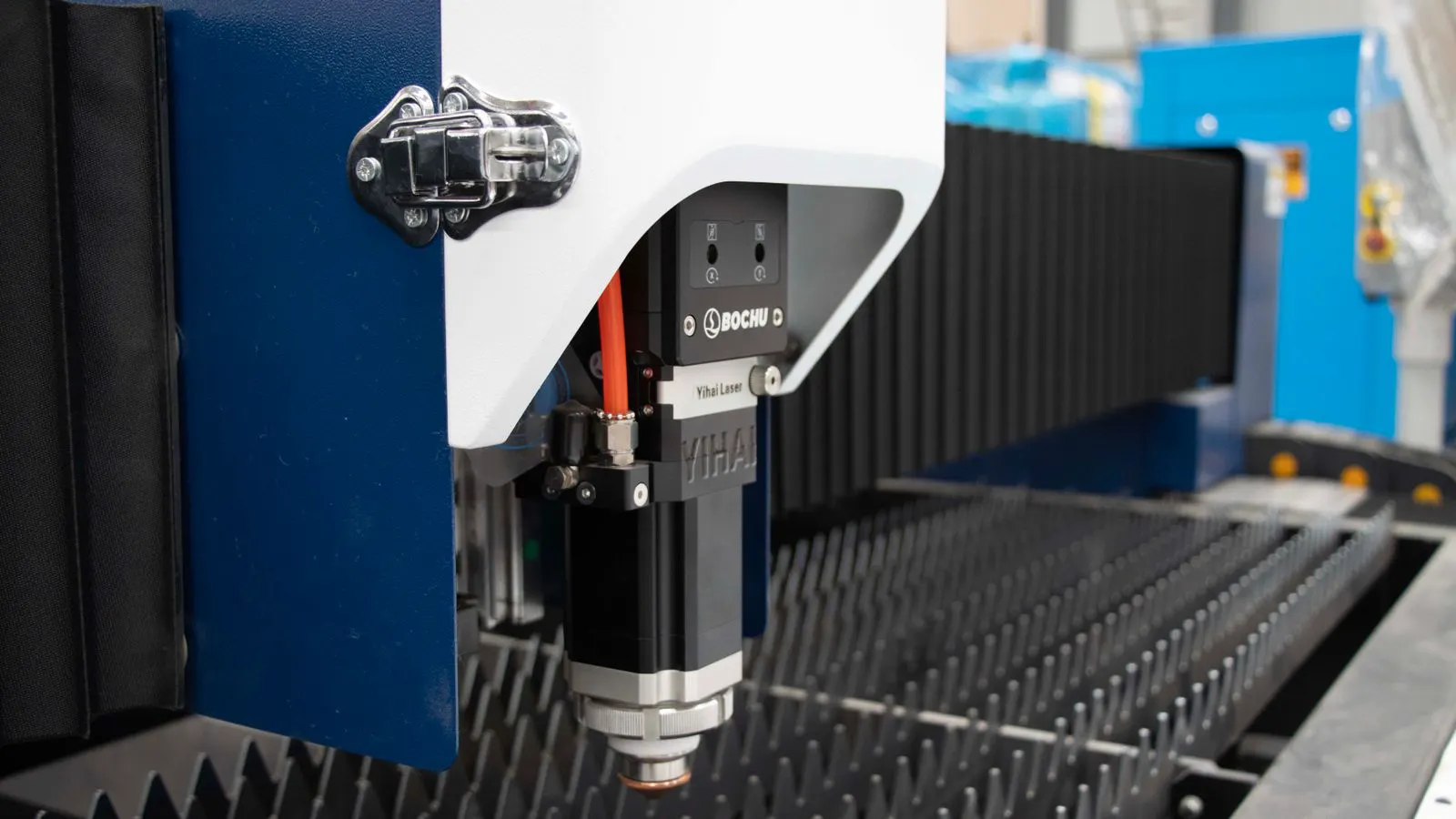
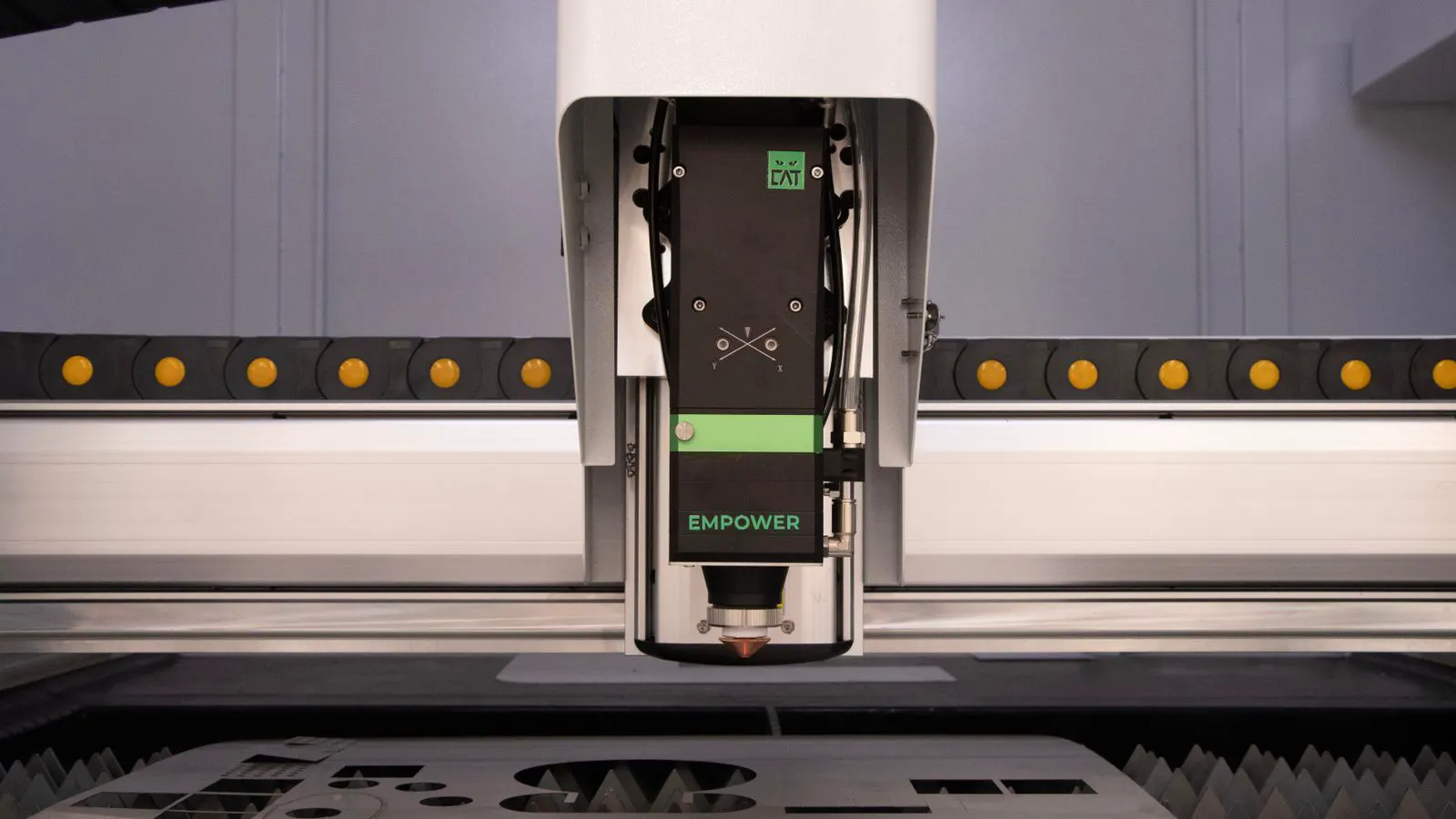
The laser source is the heart of the system. Fiber sources are common for metal cutting due to their efficiency. Diode sources are often used for marking or non-metal materials. Each type has different efficiency profiles and maintenance requirements. The machine configuration matters too. A basic table laser is cheaper than a gantry system. A gantry system allows for larger sheet sizes but requires more floor space and structural support.
How to Write a Clear RFQ
A vague Request for Quotation leads to vague answers. If you ask for a “laser cutting machine” without details, vendors will quote a mid-range default. This makes comparison difficult. You need to define your production environment in the RFQ.
Start with your material list. Specify the types of materials you will cut. Include steel, aluminum, stainless steel, or plastics. List the thicknesses. If you cut 1mm to 6mm steel, say so. If you occasionally cut 10mm, mention that as a secondary capability.
Next, define your production goals. State the number of parts per day or the square meters per shift. This forces the vendor to consider cycle time. If you need 500 parts of 100mm diameter circles per day, the vendor must calculate if their machine can do that in 8 hours.
Include your facility details. Floor space, voltage, and compressed air availability are critical. If you have a small floor, a gantry system might not fit. If your power grid is unstable, you might need a backup generator or a machine with a specific power factor.
Finally, specify service requirements. Do you want a local service engineer? What is your expected downtime tolerance? These details affect the service package, which is a major part of the total cost.
Comparing Quotes Fairly
Vendors often quote different configurations. One might include a year of maintenance. Another might charge separately for spare parts. To compare quotes fairly, you must normalize the scope.
Create a simple spreadsheet. List each vendor’s price. Then add the cost of installation, training, and the first year of service. If Vendor A includes a 3-year warranty and Vendor B includes a 1-year warranty, adjust the price of Vendor B to reflect the cost of extending the warranty to three years.
Look at the cost per part. Ask the vendor to estimate the cycle time for your specific parts. If Vendor A’s machine cuts your part in 10 seconds and Vendor B’s machine takes 15 seconds, the difference in labor and energy costs over a year is significant.
Also, compare the lead time. A machine that arrives in four months might be more expensive than one that arrives in eight months. If your production line is idle waiting for the machine, the cost of downtime can exceed the capital difference. Factor in the cost of rental equipment or overtime if you must bridge the gap.
Total Ownership and Maintenance
The laser ownership cost includes more than just electricity. It includes the cost of keeping the machine running. The laser source itself has a finite life. Fiber lasers typically have a long life, but the diode modules in some systems may need replacement. The laser head, including the nozzle and lens, wears out with use.
The frequency of nozzle replacement depends on the material and the cutting gas. Cutting steel with nitrogen requires less frequent nozzle changes than cutting aluminum with air. If your process involves abrasive materials, your maintenance frequency will be higher.
Downtime is a hidden cost. If a machine breaks down for three days, you lose three days of production. A machine with a 95% uptime rate is worth more than a cheaper machine with a 90% uptime rate if your production is high-value. When evaluating quotes, ask about the Mean Time Between Failures and the average service response time.
Also, consider the training cost. A complex machine with a new interface may require more training hours for your operators. Simple, intuitive controls reduce training time and the likelihood of operator error.
Budgeting for the Future
Laser technology changes. New efficiencies and features emerge every year. When you budget for a laser, decide on a replacement horizon. If you expect to replace the machine in five years, you can amortize the cost over that period. If you expect to keep it for ten years, you need to ensure the machine has a long-term service support plan.
Do not buy the absolute latest technology if you do not need it. A machine that is two years old may still be highly efficient and cheaper. The goal is to buy the right tool for your current and near-term production needs. Avoid paying for future capabilities that your business has not yet adopted.
Finally, keep a record of your actual operating costs. Track energy usage, maintenance spend, and downtime hours. This data will help you make better decisions when you upgrade your fleet. It also helps you justify the purchase to stakeholders with real numbers, not just vendor estimates.
Final Checks Before Purchase
Before you sign the contract, run a final check. Verify that the machine meets your material requirements. Confirm that the delivery date fits your production schedule. Review the warranty terms and the service agreement.
Ask for a site survey. The vendor should measure your floor space and check your power supply. This prevents installation surprises. A machine that arrives and does not fit the space or draw the available power is a major problem.
Ensure that your team is ready for the new equipment. Schedule training before the machine arrives. This ensures that the first day of operation is productive, not a time spent figuring out the controls.
Laser cost is a strategic decision. It balances the upfront investment against the long-term operational efficiency. By focusing on total ownership and matching power to production, you avoid costly mistakes. You get a machine that fits your workflow and supports your growth.
Frequently asked questions
How does laser power affect the cost per part?
Higher power reduces cycle time, which lowers labor and energy costs per part. However, the initial capital cost of the machine is higher.
What should I include in my laser RFQ?
Include material types, thicknesses, production volume targets, floor space, and service requirements to ensure accurate quotes.
Is a more expensive machine always better?
No. A more expensive machine is only better if it matches your production needs. Excess power leads to wasted capital.
How do I compare quotes from different vendors?
Normalize the scope by adding installation, service, and training costs. Then calculate the cost per part based on estimated cycle times.
What is the typical lifespan of a laser source?
Lifespan varies by technology and usage. Fiber sources generally have longer lifespans than diode sources, but specific numbers depend on operating conditions.