Fiber vs Diode Laser Power: Matching Output to Production Speed
Fiber laser power generally supports faster, more efficient production than diode lasers for steel and medium alloys. Diode lasers are better suited for thin non-metals and low-volume jobs. Selection depends on material, thickness, and required throughput.
- Fiber lasers deliver higher efficiency and faster cutting speeds than diode lasers for metal work.
- Diode lasers remain competitive for thin non-metals and low-volume production.
- Laser wattage selection must match material thickness, type, and required production volume.
- Cutting speed requirements shift as material thickness increases, making power matching critical.
- Fiber lasers offer better energy efficiency and lower operating costs over time.
Why Output Power Determines Throughput
Production speed on a laser system is not controlled by the controller alone. The laser source sets the upper limit for how fast the machine can move while maintaining a clean cut. A 200 watt source and a 1000 watt source will not produce the same cut quality at the same speed. The difference shows up in kerf width, edge quality, and the maximum plate thickness the head can handle reliably.
How Fiber and Diode Lasers Compare in Efficiency
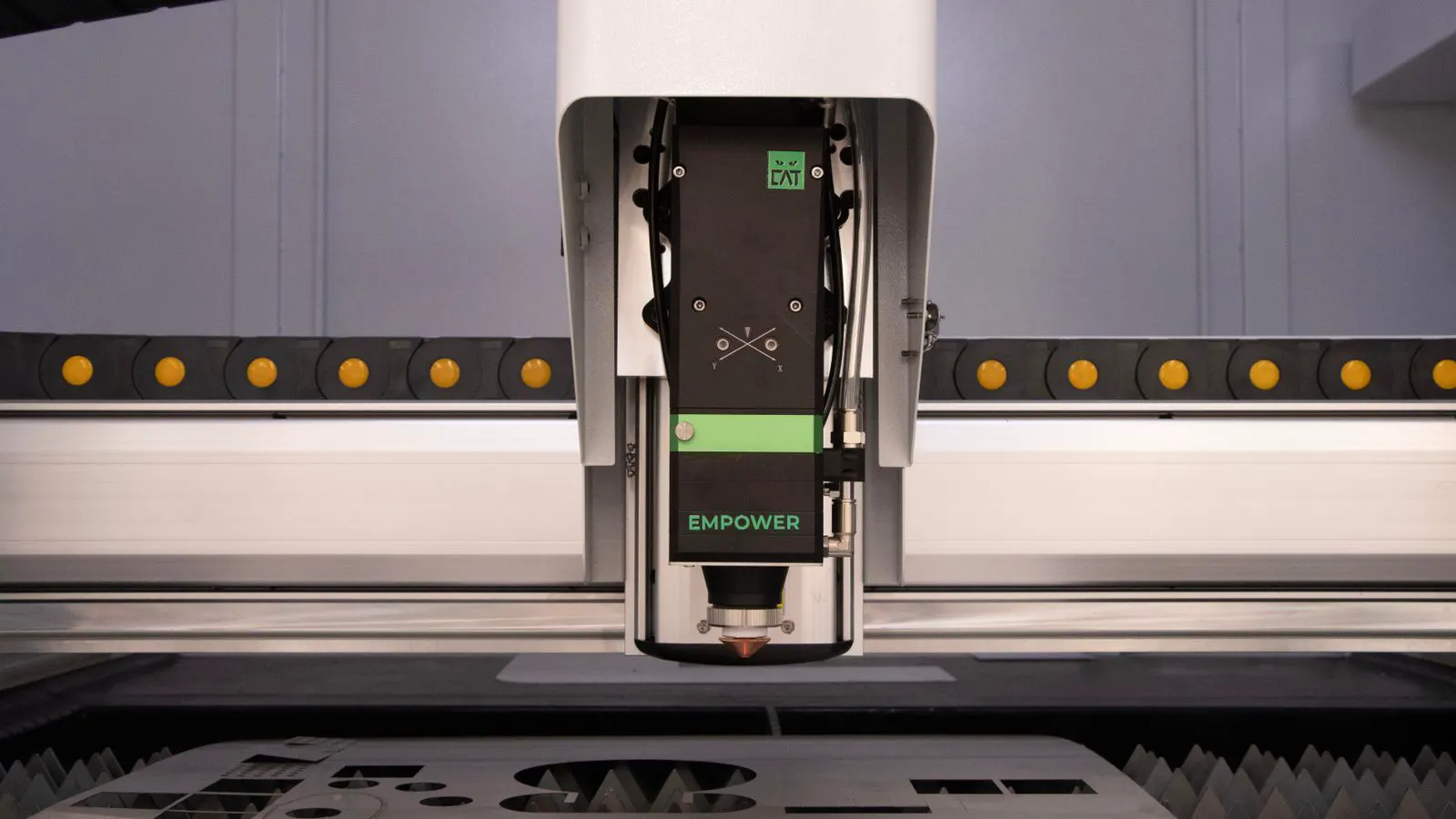
Fiber lasers use a fiber optic core to guide the beam. This design allows them to convert electrical energy into laser energy with high efficiency. Diode lasers use semiconductor diodes, which are efficient at low power levels but face thermal limits as wattage rises. For metal cutting, fiber sources maintain their performance better at higher power. Diode lasers are still useful for non-metal materials where thermal management is less of a barrier.
The efficiency gap matters when the machine runs for long periods. A fiber laser running at 2000 watts for eight hours draws less total energy than a diode laser of the same output, if one can be found. The lower energy draw also means less heat generated in the source, which supports longer service intervals and stable output over the machine life.
Laser Wattage Selection for Different Materials
Laser wattage selection changes when the material changes. Carbon steel responds well to fiber lasers because the high absorption rate allows for fast, clean cuts. Stainless steel absorbs less energy than carbon steel, so the same thickness often needs more power or a slower speed. Aluminum is harder to cut because it reflects much of the beam. Fiber lasers handle aluminum better than diode lasers, but both require careful tuning of gas assist and speed.
Thin sheets, typically under two millimeters, can be cut quickly by lower-power fiber lasers. Diode lasers also handle thin sheets, especially in acrylic, plywood, and leather. The difference becomes visible when thickness increases. A diode laser at 100 watts may cut one millimeter of acrylic at a reasonable speed. A fiber laser at the same wattage may cut two to three millimeters of thin steel at a comparable quality.
Cutting Speed Requirements by Plate Thickness
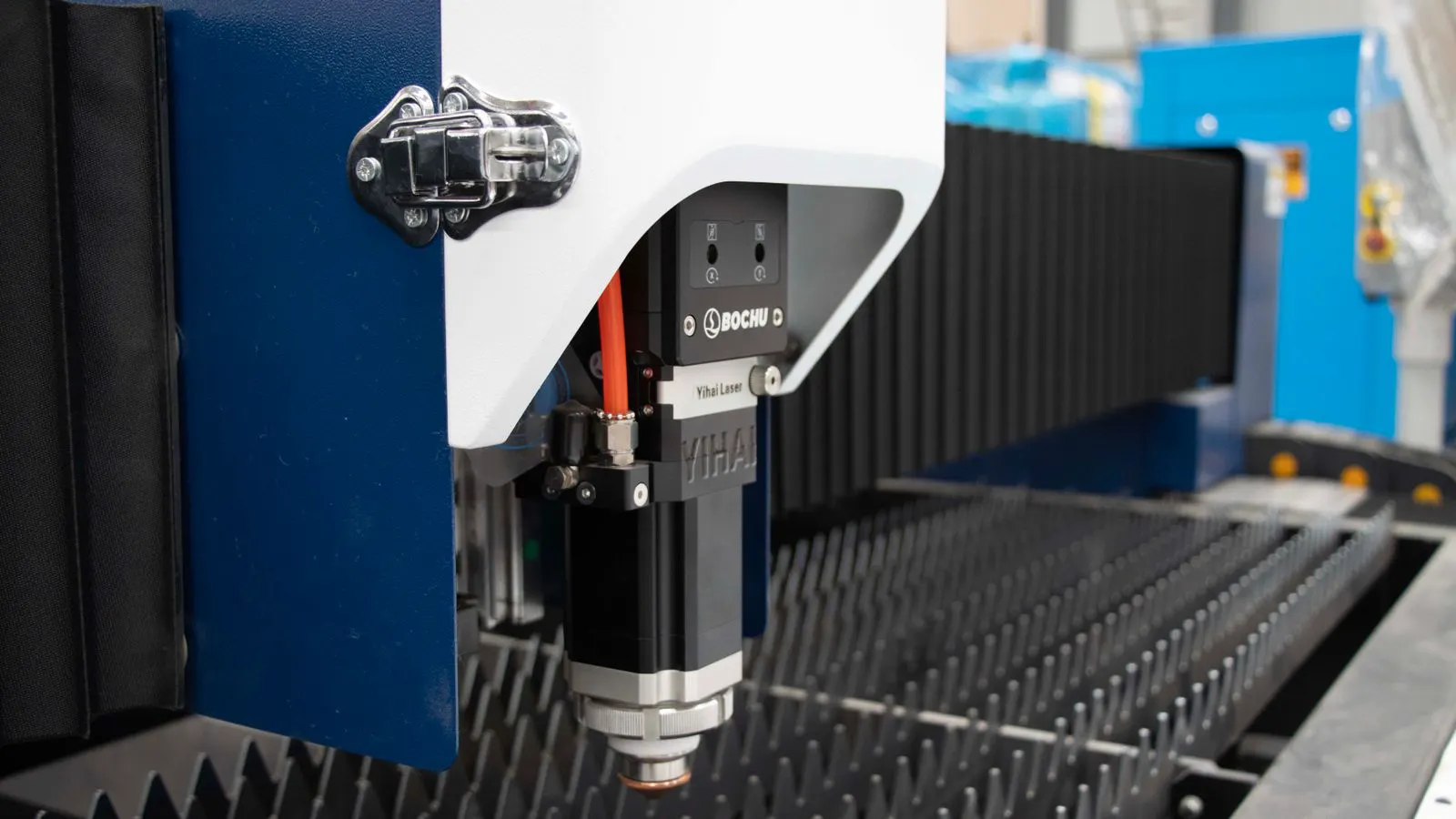
Cutting speed requirements shift as plate thickness increases. For carbon steel, a low-power fiber laser can move quickly through thin sheets. As thickness passes two to three millimeters, the speed drops. The laser must deposit more energy into a deeper kerf to break through the material. The nozzle diameter also matters here. A smaller nozzle focuses the beam more tightly but restricts the gas flow needed for thicker cuts. A larger nozzle allows more gas but spreads the energy over a wider area.
For stainless steel, the speed drop is steeper. The material absorbs less energy and conducts heat away from the cut zone. This means the laser must spend more time on each section to achieve a clean edge. Fiber lasers handle this better because they can push more power into the beam without losing efficiency. Diode lasers face thermal saturation faster at the same thickness.
Performance Table
| Option | Best for | Limitations |
|---|---|---|
| Low-power fiber laser | Thin carbon steel, stainless steel, aluminum | Slower on thick plate, higher purchase cost than diode |
| Mid-power fiber laser | General metal cutting, mixed materials | Cost increases with wattage, requires good cooling |
| High-power fiber laser | Thick plate, high-volume production | Larger footprint, higher maintenance cost |
| Diode laser | Thin non-metals, low-volume metal work | Slower on metal, thermal limits at higher wattage |
| CO2 laser | Thick non-metals, plastics, composites | Low efficiency, slower on metal, bulky system |
When to Choose Each Approach
Choose a low-power fiber laser when the shop cuts thin steel and non-metal parts in small batches. The cost is lower than a high-power machine, and the speed is sufficient for thin work. The operator can run through the day without worrying about thermal limits.
Choose a mid-power fiber laser when the shop handles a mix of materials and thicknesses. This is the most common configuration for general fabrication shops. The output covers most standard plate sizes without overpaying for unused wattage. The system can cut thin aluminum and thick stainless steel with acceptable speed.
Choose a high-power fiber laser when the shop runs high-volume production or cuts thick plate regularly. The cost is higher, but the throughput justifies the expense. The machine can run longer shifts with less downtime for cooling or source replacement.
Choose a diode laser when the work is mostly thin non-metals or low-volume metal parts. The cost is lower than fiber, and the setup is simpler. The operator should not expect fast cuts on thick steel or stainless. The thermal limits of the diode array show up as slower speeds or reduced duty cycles.
Choose a CO2 laser when the material is thick plastic, rubber, or composites. Metal cutting is not a strong fit. CO2 lasers are slower and less efficient than fiber on metal, so they do not fit into a production metal shop unless the non-metal work justifies the extra system.
Practical Checks Before Purchase
Before buying, run a sample cut on the actual material. Bring a plate of the exact alloy and thickness you will use. Ask the seller to cut a test part and measure the edge quality and speed. Check the kerf width. A narrow kerf means less material loss. Check the dross on the bottom edge. Dross indicates the cut was too slow or the power was too low.
Check the duty cycle. A fiber laser can often run at full power for long periods. A diode laser may need to reduce power after a set time to prevent thermal damage. If the production schedule requires continuous cutting, the duty cycle limit will slow the line.
Check the cooling system. A water-cooled fiber laser needs a clean coolant loop. A diode laser often uses air cooling, which is simpler but less effective at high power. The cooling method affects the service interval and the stability of the output.
Check the controller and software. The laser source sets the power limit, but the controller sets the speed. A good controller can fine-tune the speed based on material type. It also manages the gas assist. The wrong gas choice for the material can ruin the edge quality even if the power is correct.
Common Mistakes in Wattage Selection
The most common mistake is buying too much power. A shop that cuts one millimeter of steel does not need a high-power source. The extra wattage adds cost without improving the cut. The speed gain on thin material is small because the cut is limited by the nozzle and gas flow, not the beam energy.
The second mistake is buying too little power. A diode laser that works on thin acrylic may struggle on two millimeters of carbon steel. The speed drops so much that the operator has to slow down or stop. The machine then becomes a bottleneck.
The third mistake is ignoring the material. Aluminum behaves differently from steel. The same wattage that cuts steel cleanly may leave a rough edge on aluminum. The operator must tune the speed and gas for each material. A single setup for all materials will not work.
The fourth mistake is skipping the test cut. The spec sheet lists the maximum power and thickness, but it does not show the speed or quality at that point. A test cut on the actual material reveals the true capability. It also catches issues with the nozzle and gas supply.
Final Thoughts
Fiber laser power supports faster, more efficient production than diode lasers for metal work. Diode lasers remain useful for thin non-metals and low-volume jobs. The selection depends on the material, thickness, and required production volume. A test cut on the actual material is the best check before purchase. The laser source, controller, and nozzle must all match the production requirements. A well-matched system runs faster and cleaner than an overpowered or underpowered one.
Frequently asked questions
Can a diode laser cut steel as fast as a fiber laser?
No. Diode lasers are slower on steel than fiber lasers of similar wattage. Fiber lasers convert energy more efficiently and handle the heat better.
What wattage of fiber laser should I choose for thin sheet metal?
For thin sheet metal, a low-power fiber laser is often sufficient. The exact wattage depends on the thickness and alloy. A test cut will confirm the speed and quality.
Do diode lasers work well for aluminum?
Diode lasers can cut thin aluminum, but they are slower and less efficient than fiber lasers. Aluminum reflects much of the beam, so the cutting process is less stable.
How does plate thickness affect laser wattage selection?
Thicker plate requires more power or slower speed. The laser must deposit more energy into a deeper kerf. The nozzle diameter also plays a role in thick cuts.
Is a higher-wattage laser always better?
No. Higher wattage increases cost without improving the cut on thin material. The speed on thin sheets is limited by the nozzle and gas flow, not the beam energy.