Fixing Poor Cut Quality: Diagnosing Laser Power and Head Mismatches
Poor cut quality often stems from a mismatch between laser output and head size. Identify symptoms like burrs, dross, or poor edge finish, then adjust power, speed, and nozzle to match the material thickness and composition.
- Misaligned power and head size settings create visible cut edge defects that signal a mismatch.
- Match laser power and speed to material thickness, and confirm the nozzle diameter suits the cut.
- Check gas flow, focus, and head height before changing power settings.
- Keep a reference log of material, head size, and settings for repeatable quality.
What does poor laser cut quality usually indicate
When a cut shows burrs, dross, or a rough edge, the problem is rarely a single setting. It usually points to a mismatch between the laser output, the cutting speed, the assist gas, and the head size. The machine is doing what the settings tell it to do. The settings are not telling it what the material needs.
A common misunderstanding is that a dirty nozzle is always the root cause. While a clogged nozzle can ruin a cut, it often mimics other problems. For example, a partially clogged nozzle might restrict gas flow, producing dross that looks exactly like a speed setting that is too high. Conversely, a perfectly clean nozzle will still produce a poor cut if the power is insufficient for the specific alloy being processed.
This section covers the most common symptoms, the likely causes, and the practical fixes. It is written for buyers and engineers who need to diagnose issues quickly and keep parts within spec. The goal is to move from observation to action without guessing.
How to match power to material thickness
Laser power must be sufficient to vaporize or ablate the material at the cutting speed. Too little power leaves a half-melted edge and a lot of dross. Too much power melts a wider channel, creates heat-affected zones, and can burn the top of the cut. The relationship is not linear. A small increase in thickness can require a larger step in power, and the speed must drop as power rises.
Consider a 4 mm sheet of mild steel. If you use a power level that works well for 3 mm, the laser may not penetrate the bottom layer completely before the head moves on. The result is a cut that looks clean on the top surface but has a significant layer of solidified metal at the bottom. This dross is difficult to remove and can fail inspection.
Start with the material type and thickness. A 3 mm sheet of mild steel and a 3 mm sheet of aluminum need different power and gas settings. The same power level that produces a clean cut in steel may overheat aluminum. Aluminum has a high thermal conductivity, so it draws heat away from the focal point quickly. This often requires higher power to maintain the cut. On the other hand, stainless steel has a lower reflectivity for certain laser wavelengths, but it creates a stronger heat-affected zone.
Check the material data sheet or the machine software library for starting values, then adjust based on actual results. Do not rely on generic settings for “3 mm steel.” The alloy matters. A high-carbon steel behaves differently than a low-carbon steel. Always test on a scrap piece of the same batch material before cutting the production parts.
How head size affects cut quality
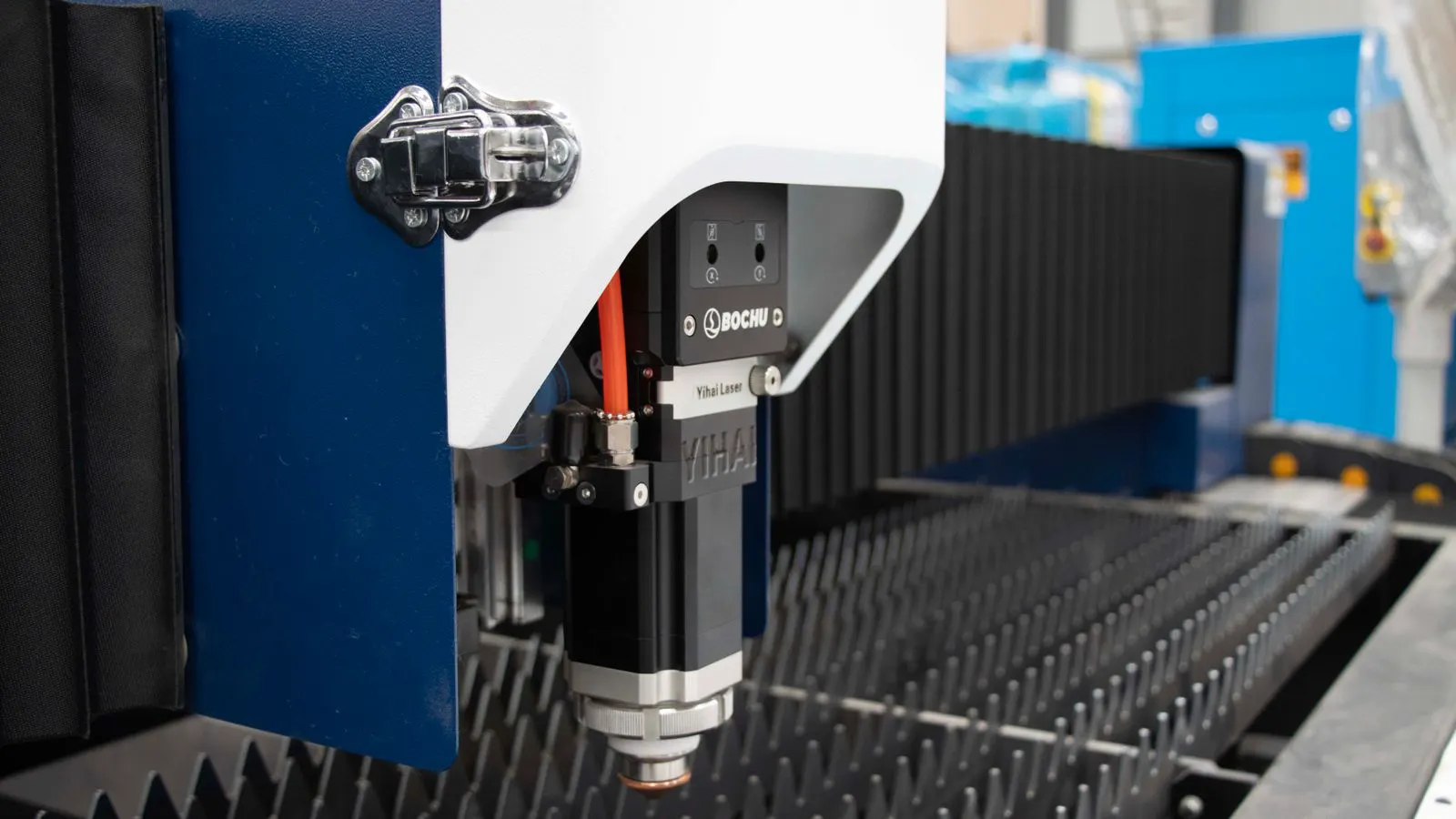
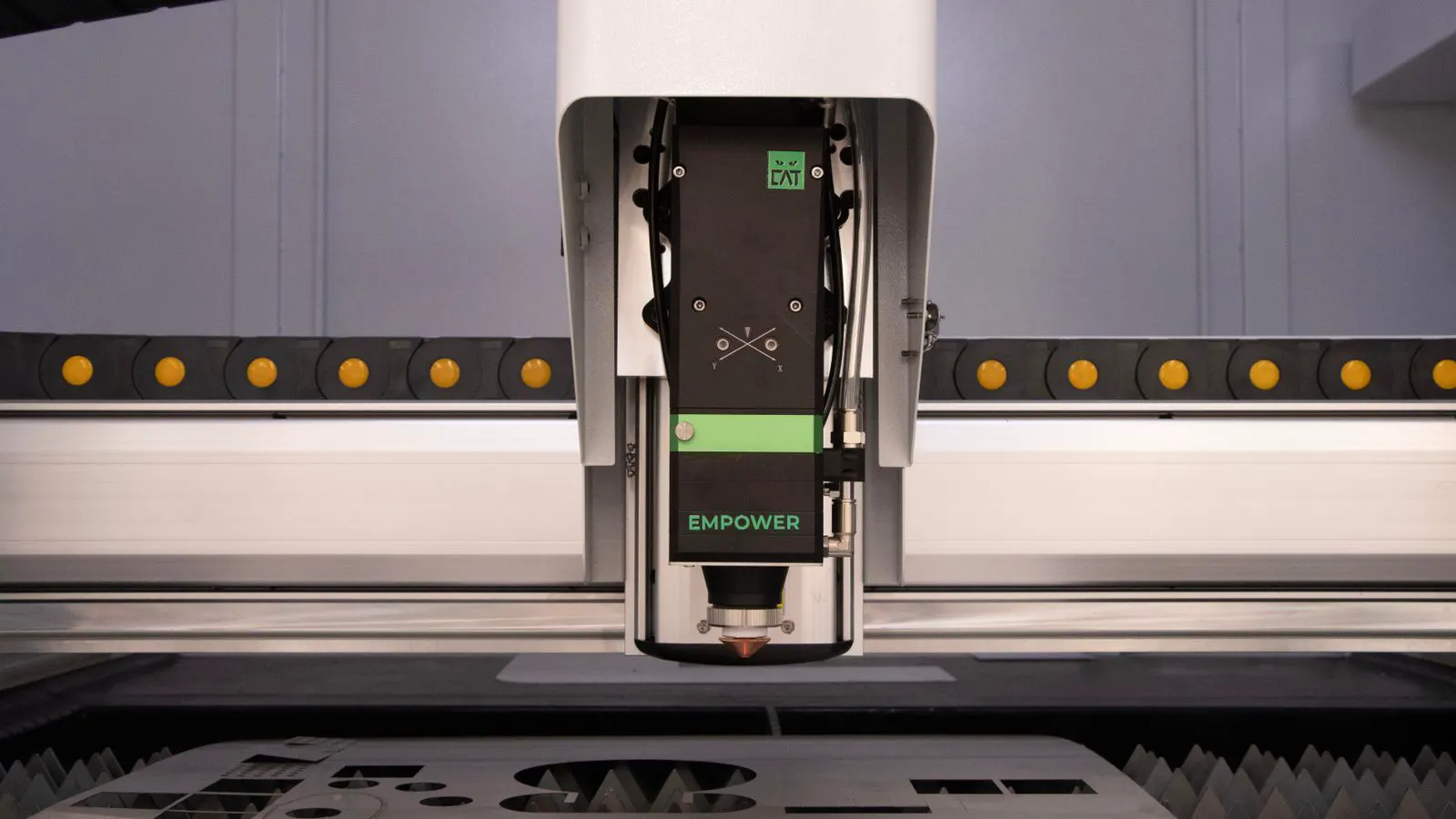
The laser head size sets the minimum diameter of the cut and the amount of assist gas that can enter the kerf. A small head on a thick material restricts gas flow. Dross forms at the bottom. A large head on a thin material spreads the energy over a wider area and reduces the cutting quality at the edges.
The nozzle diameter is a physical constraint. If you try to cut a 2 mm sheet with a 4 mm nozzle, the gas flow is too dilute. It cannot push the molten metal out of the kerf effectively. You will see a wide cut with a rough edge, even if the power is high. The energy is spread over a larger area than necessary, leading to a wider heat-affected zone.
Head size also affects focus. A head that is too large for the material may not hold the focus well at the correct height. The beam divergence changes as the beam exits a larger opening. This can cause the focus point to shift slightly, leading to inconsistent cuts across a sheet. A head that is too small may over-concentrate the beam and burn the top of the cut.
Choose a head that matches the material thickness and the expected cut diameter. For most thin sheet work, a standard head size is fine. For thick plate or tight internal cuts, a smaller head may be required. For example, if a part has an internal hole with a 5 mm diameter, you cannot use a head with a 6 mm nozzle. The physical size of the head prevents the laser from focusing correctly inside the hole.
Common symptoms of power and head mismatches
The table below lists the most common symptoms, their likely causes, and the first checks to make. Use it as a quick reference when inspecting parts.
| Symptom | Likely cause | What to do |
|---|---|---|
| Dross at the bottom of the cut | Power too low, speed too fast, gas flow too low, or head too large for the thickness | Increase power, reduce speed, check gas pressure, verify head size for the material |
| Burned or melted top edge | Power too high, speed too slow, or head too small for the material | Reduce power, increase speed, check focus height, try a larger head |
| Rough, uneven edge | Wrong gas type, low gas pressure, or incorrect focus | Check gas type and pressure, recalibrate focus, inspect nozzle for clogs |
| Inconsistent cuts across a sheet | Focus drift, head height error, or material thickness variation | Check head height, inspect for debris, confirm material thickness is uniform |
| Wide kerf with melted edges | Power too high or head too large | Reduce power, reduce head size, increase speed |
| Holes with burrs | Power too low or head too large for thin material | Increase power, reduce head size, check gas flow |
A key detail in this table is the distinction between dross and burrs. Dross is usually molten metal that has not been fully cleared by the gas. It appears as a solid, glassy layer at the bottom of the cut. Burrs are small protrusions of metal that form on the edge. They often result from the laser not fully penetrating the material or from the gas pushing the molten edge outward. Knowing the difference helps narrow down the cause. If you see dross, check the gas and power. If you see burrs, check the speed and head size.
How to troubleshoot step by step
When a part fails quality checks, follow a structured approach. Do not change three settings at once. Isolate variables.
- Confirm the material. Check the type, thickness, and alloy. A 2 mm sheet of carbon steel is not the same as 2 mm of stainless or aluminum. The density and melting point differ significantly.
- Verify the head size. Match the nozzle diameter to the material thickness and the smallest internal feature in the part. If the part has a 3 mm slot, do not use a 5 mm head.
- Check the gas. Confirm the gas type, pressure, and flow rate. A low gas pressure is one of the most common causes of dross. Ensure the regulator is set correctly and the hoses are not kinked.
- Inspect the nozzle. Look for clogs, burns, or deformation. A dirty nozzle changes the beam profile. Even a small particle in the nozzle can deflect the beam, causing a rough edge.
- Check focus height. Measure the distance from the nozzle to the material. Even a small error changes the cut quality. A focus error of just a few millimeters can turn a clean cut into a rough one.
- Review power and speed. Start with the manufacturer recommended values for the material and thickness. Adjust one variable at a time. Increase power first, then adjust speed.
- Run a test cut. Inspect the edge, the kerf, and the top and bottom surfaces. Compare to the drawing tolerance. Use a magnifying glass if necessary to see the microstructure of the edge.
This process takes time, but it prevents waste. Cutting a full production batch with incorrect settings is far more expensive than running a test piece. Always prioritize accuracy over speed when troubleshooting.
How gas flow interacts with power and head size
Assist gas is not a passive setting. It removes molten material and protects the cut edge. The gas type matters. Air, nitrogen, oxygen, and CO2 behave differently. Oxygen increases the cutting speed for steel but causes oxidation. Nitrogen is cleaner but slower. Air is common for mild steel and aluminum but can leave a slightly oxidized edge.
The interaction between gas flow and head size is critical. The gas must be directed precisely into the kerf. A large head allows more gas to pass through, but the pressure drops as the gas expands. This can reduce the force needed to push the molten metal out. A small head concentrates the gas flow, creating a higher pressure jet. This is ideal for thin materials but can be too aggressive for thick plate, causing turbulence inside the kerf.
Consider a 10 mm steel plate. If you use a large head, the gas flow is spread out. It may not clear the dross at the bottom. If you switch to a smaller head, the gas flow is concentrated. It can push the molten metal out more effectively. However, if the power is too high, the concentrated gas flow can cause a deep burn mark on the top surface.
The gas flow rate must be high enough to clear the kerf but not so high that it disturbs the beam. High flow rates can create a vortex inside the kerf, which pulls molten metal back up. This is often seen as a rough, uneven edge. Adjust the flow rate gradually. Start with a lower flow and increase it until the dross is cleared, then reduce it slightly to minimize edge roughness.
How to prevent recurring quality issues
Prevention is easier than troubleshooting. Build a consistent process.
- Keep a reference log. Record material, thickness, head size, power, speed, gas, and gas pressure for each job. This log becomes a valuable asset over time. You can quickly find the settings that worked for a similar part in the past.
- Use the same head for the same material class. Do not mix head sizes for a single part. Mixing heads changes the gas flow and focus characteristics, leading to inconsistent cuts.
- Inspect nozzles daily. Replace them when they show burn marks or clogs. A worn nozzle can be replaced cheaply, but a ruined part is expensive.
- Calibrate focus regularly. Focus drift is a slow but common problem. It can happen over hours of continuous operation. A daily calibration check prevents small errors from accumulating.
- Run a test cut before every new material or thickness. Do not assume the last settings will work. Material batches vary. Even within the same roll, the thickness and alloy composition can differ slightly.
When to consult the machine manufacturer
Some issues are outside the scope of routine troubleshooting. If the beam is defocused even after checking head height and optics, the laser itself may need service. If the power output is lower than expected, the amplifier or fiber cable may be degrading. If the machine software does not allow the settings you need, the control system may be limited.
Contact the manufacturer or an authorized service provider when you suspect a hardware fault. Provide the part drawing, the material specs, the head size, and the settings you have tried. This makes the diagnosis faster. Do not just say “the cut is bad.” Provide specific examples. Show them the dross, the burrs, or the rough edges. Include photos if possible. This helps the service engineer understand the problem before they visit.
Frequently asked questions
What is the fastest way to find a power and head mismatch?
Run a test cut on a scrap piece of the same material. Inspect the top, bottom, and edge. Compare the dross and edge finish to the expected quality.
Can I fix a poor cut by only changing the power?
Often no. Power is only one part of the system. Gas flow, speed, and head size must all be balanced. Changing only power may make the dross worse.
What head size should I use for thin sheet metal?
A standard head size is usually fine for thin sheet. For very thin material or tight internal cuts, a smaller head may produce a cleaner edge.
How do I know if my gas pressure is too low?
Low gas pressure is a common cause of dross. Check the pressure gauge and the gas line for leaks. A drop in pressure will show up as more dross and a rougher edge.
Should I increase power or speed to fix a rough edge?
It depends on the symptom. A rough edge with dross usually needs more power or less speed. A rough edge with a melted top usually needs less power or more speed. Inspect the cut before changing settings.