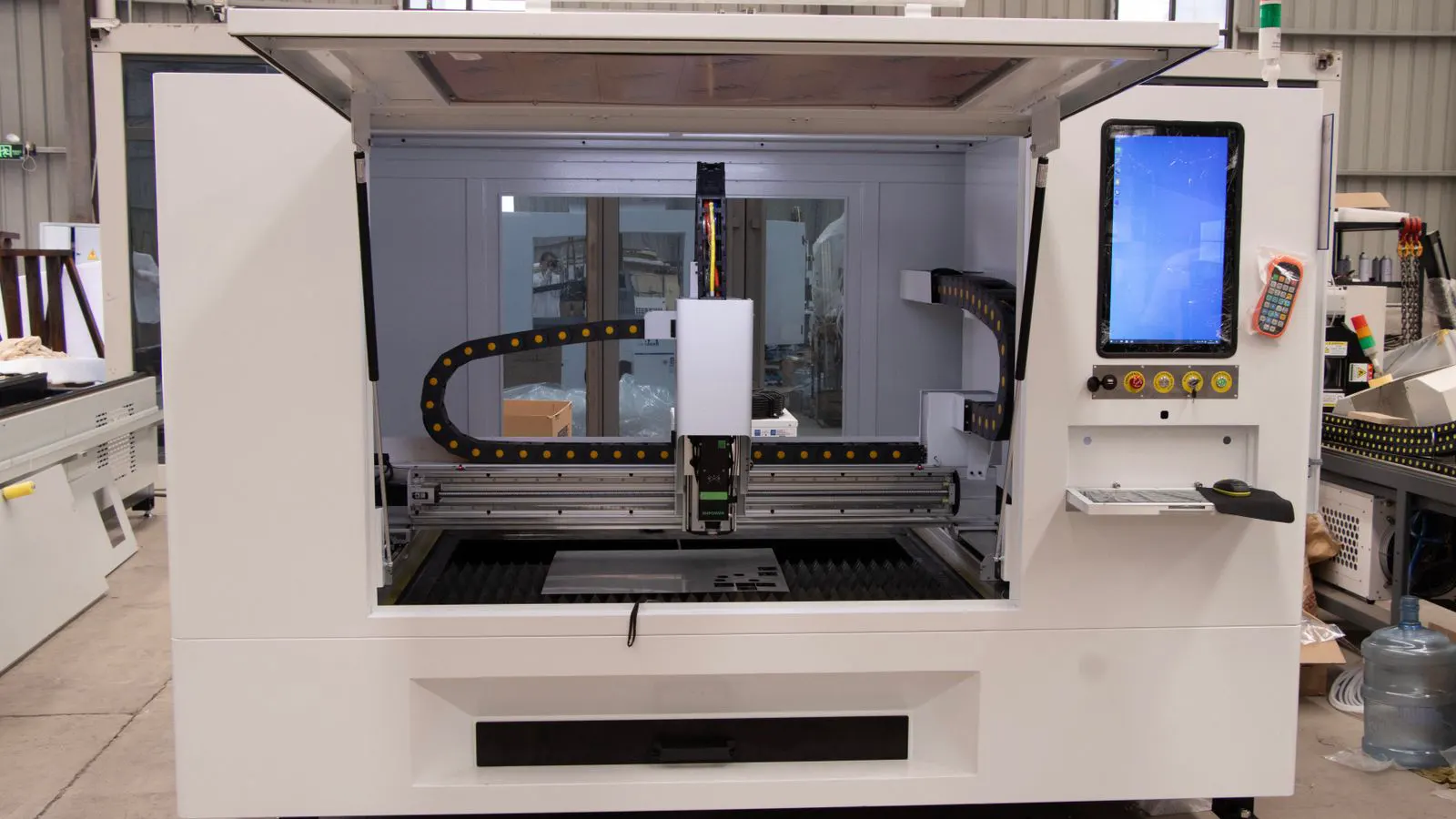
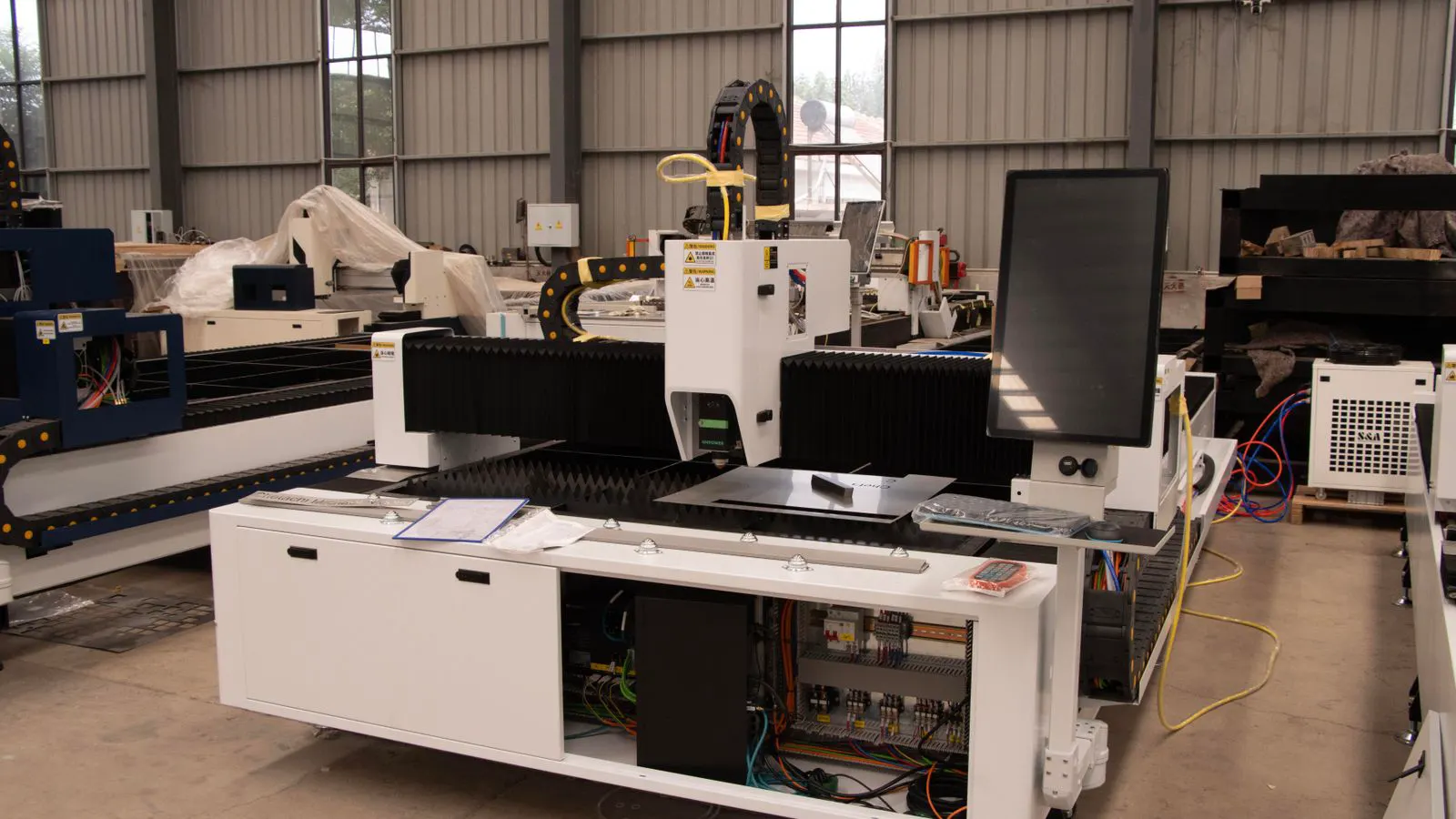
Fixing Common Fiber Laser Cutter Errors and Downtime
Recurring faults in a laser cutting machine usually trace to consumables, alignment, or air pressure. This guide maps symptoms to practical fixes and lists maintenance routines that prevent recurring downtime.
- Most fiber laser downtime comes from consumables, alignment drift, or air pressure, not electronics.
- Keep a log of error codes and symptoms to spot patterns before a failure becomes critical.
- A short daily routine of lens checks, nozzle inspection, and air pressure verification prevents most recurring faults.
- Preventive maintenance is cheaper than emergency repair, especially when cutting schedules are tight.
- Document every change to settings, consumables, or parts so the next operator can trace the issue.
A fiber laser cutting machine rarely fails without warning. The controller usually throws an error code, or the cut quality degrades before a full stop. The trouble is that the same symptom can come from a loose connection, a clogged nozzle, or a failing laser tube, depending on the machine.
The fastest way to cut downtime is to match the symptom to the most likely cause. Below is a quick reference for the faults that show up most often on production lines.
Common faults and what to check first
| Symptom | Likely cause | What to do |
|---|---|---|
| Inconsistent cut edges or charring | Nozzle clog, low assist gas pressure, or poor focus | Inspect nozzle for residue, verify gas pressure at the regulator, and re-check focus position. |
| Intermittent laser output or power drop | Dirty fiber tip, loose connection at the laser head, or controller error | Clean fiber tip with a dry lint-free cloth, reseat the fiber connection, and clear the error code if safe. |
| Machine stops with no cut but no error | Air pressure below minimum, material table not level, or sensor blocked | Check compressor output and regulator, level the table, and clean the material sensor or mirror. |
| Slow startup or repeated resets | Power supply fault, overloaded circuit, or controller memory issue | Inspect power connections, reduce load on the circuit, and reset the controller after checking for hardware faults. |
| Burn marks on the workpiece or table | Focus too low or too high, wrong gas mix, or excessive speed for the material | Adjust focus, confirm gas type and flow, and reduce speed or change power for the material. |
| Frequent nozzle damage | High speed, low gas pressure, or repeated cutting through thick or hard material | Lower speed, verify gas pressure, and replace the nozzle if it shows wear or deformation. |
The table above covers the most common symptoms. In practice, the cause often combines two or three of these. For example, low gas pressure can cause charring and nozzle wear at the same time. That is why the first step is always to isolate the variable.
Start with the consumables
Consumables are the first thing to check. Nozzles, lenses, and fiber tips wear out or get dirty, and that directly affects cut quality and machine stability.
A clogged nozzle is one of the most common causes of inconsistent cuts. The nozzle gets coated with metal residue, especially when cutting stainless steel or copper. A quick visual check under good light can reveal a dark ring around the exit hole. If the hole is blocked or the nozzle is warped, replace it. Do not try to clear it with a wire or a pin, because that can damage the hole and make the problem worse.
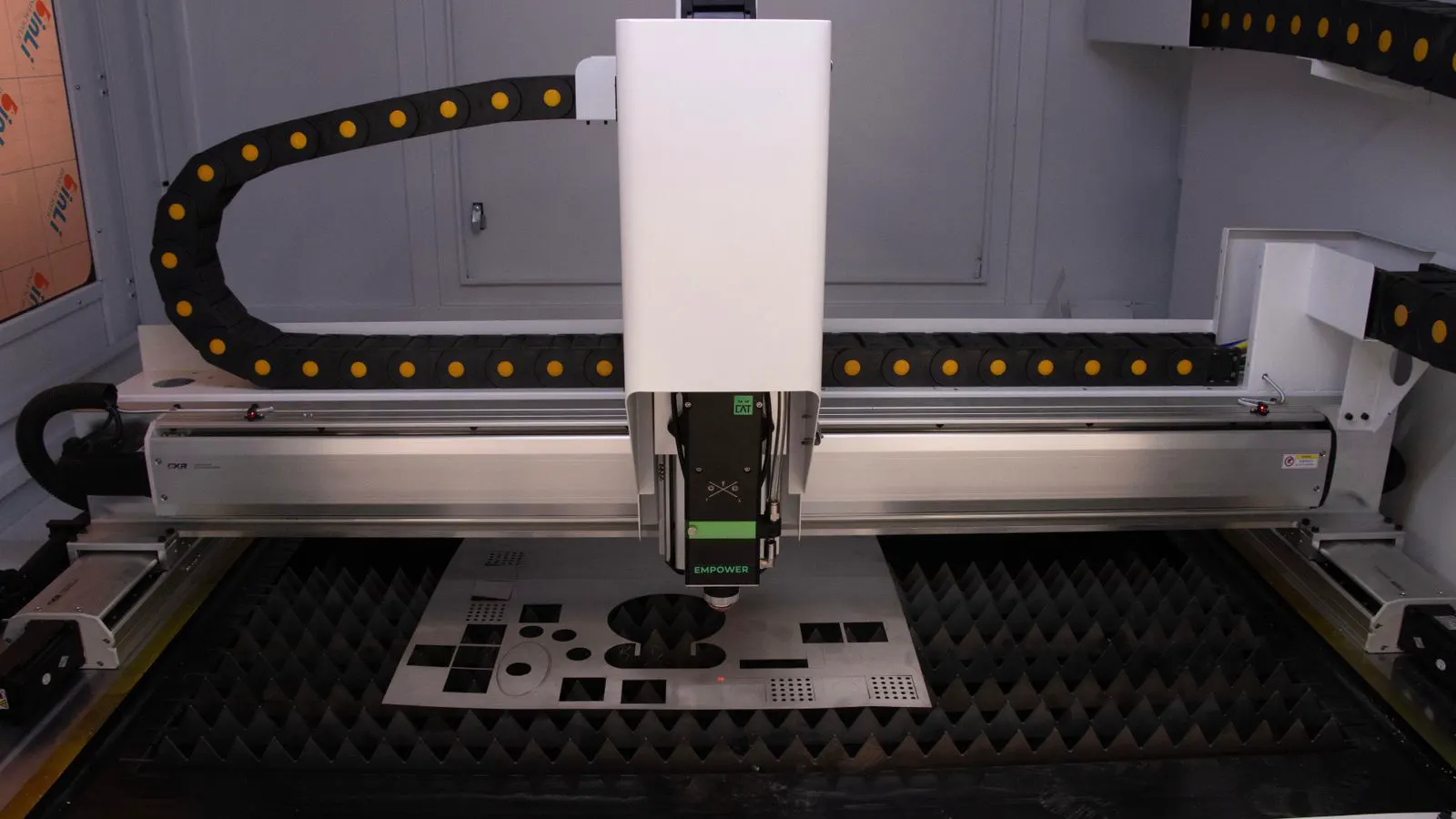
The lens sits in front of the nozzle. It is exposed to heat, fumes, and metal particles. A smudged or scratched lens scatters the beam and reduces power at the workpiece. Clean it with a dry lint-free cloth, or use a lens cleaning kit if the residue is stubborn. If the lens is cracked or discolored, replace it. A cheap lens is not a cheap fix if it causes repeated cuts or power instability.
The fiber tip is the end of the fiber optic cable. It is small and sits inside the laser head. Dirt or a kinked fiber can cause power drops or intermittent output. Inspect the tip for discoloration or physical damage. If the fiber is bent beyond its minimum bend radius, replace the cable or the head, depending on the machine.
Check gas pressure and flow
Assist gas is not just for cleaning the cut. It helps remove molten metal, cools the zone, and affects the cut edge. If the pressure is too low, the cut can be rough, charred, or incomplete. If it is too high, it can blow metal out of the cut or cause instability.
Check the compressor output first. A failing compressor or a clogged filter can reduce pressure even if the regulator reads correctly. Look at the regulator gauge, but also check the pressure at the nozzle if the machine has a local gauge. Compare it to the manufacturer recommended range for the material and thickness.
The gas mix matters. Oxygen, nitrogen, and air are used for different materials. A wrong mix can cause excessive oxidation, poor edge quality, or even a safety issue. Confirm the gas type is set in the controller and that the tank is the correct cylinder. A label error on a tank is a common mistake on busy shops.
Alignment and focus
Alignment drifts. The laser head can shift, the material table can settle, or the optical path can get misaligned after a move or a service. The result is often a cut that is not square, or a power loss at the edges.
Check the head position relative to the table. The head should be level and centered. If the table has a leveling system, verify it. A small tilt can change the focus distance at different points across the cut, causing inconsistent edge quality.
Focus is the other major variable. The machine usually has a focus setting or a focus sensor. If the focus is off, the beam spot is too large or too small at the workpiece. That reduces power density and changes the cut. Re-run the focus check after any head move, table adjustment, or nozzle change. Do not rely on a previous setting if the machine was moved or serviced.
Controller and software faults
Not every fault is mechanical. The controller can throw errors because of a software glitch, a bad file, or a hardware fault. A corrupted G-code file can cause the machine to stop, or to cut in the wrong place. A bad connection to the controller can cause resets.
Before assuming hardware failure, check the basics. Is the file the correct version? Is the material type and thickness set correctly in the job? Is the controller up to date? A simple reset or a file reload can clear a temporary error.
If the error persists, check the controller logs. Many machines store a history of faults. Look for repeated codes, especially around the same time of day or after a specific job. That pattern can point to a material, a file, or a component that fails under load.
If the controller resets repeatedly, inspect the power connections. Loose or corroded terminals can cause intermittent faults. A tripping breaker or an overloaded circuit can also cause resets. Check the electrical panel and the machine power supply. If the fault is electrical and not obvious, call a qualified technician. Do not open the power supply unless you are trained to do so.
Preventive maintenance that actually reduces downtime
The table above is for when a fault happens. Prevention is about making the fault less likely. A short daily routine takes minutes and can stop a small issue from becoming a long stop.
- Clean the nozzle and lens at the start of the shift.
- Check the assist gas pressure at the regulator and at the nozzle if possible.
- Inspect the fiber tip for dirt or kinks.
- Verify the focus after any head move or table adjustment.
- Run a short test cut on a scrap piece before starting a production job.
A test cut is not optional. It catches problems that are not visible in the settings. A small change in gas pressure or focus can be missed in the controller but obvious in the cut edge. The test cut also confirms that the material is what you think it is. A sheet with the wrong alloy or thickness can cause a fault that looks like a machine problem.
Keep a maintenance log. Write down the date, the part changed, the setting, and the symptom if there was one. This log is not for the manual. It is for the next shift. If the same nozzle fails three times in a week, the log will show it. That pattern points to a process issue, not a bad part.
When to call for service
Some faults are not for the operator. The laser tube, power supply, and controller internals require a trained technician. If the machine throws a repeated error that is not in the manual, or if the laser output drops without a visible cause, do not keep running it.
Do not force a machine through a fault. A bad cut can damage the nozzle, the lens, or the table. A power fault can damage the controller. A gas leak is a safety issue. Stop the machine, secure the area, and contact support or a qualified service provider.
A practical rule is simple. If you can fix it with a lens, a nozzle, a gas check, or a focus adjustment, do it. If you need to open the cabinet, replace a power component, or reprogram the controller, call for service. The cost of a short service call is usually lower than the cost of a damaged component or a long production stop.
Keep the documentation current
The machine manual is useful, but it is not the only document that matters. Keep the service history, the consumable part numbers, and the gas pressure settings for each material. A shop that changes materials often, or runs multiple machines, benefits from a simple reference sheet on the wall or in a binder.
The sheet should list the material, thickness, gas type, pressure range, speed range, and power range. It should also list the nozzle and lens part numbers, and the focus check procedure. When a new operator takes over, they can read the sheet and start safely. When a fault happens, they can check the settings against the sheet before guessing.
Documentation also helps with troubleshooting. If a fault appears after a setting change, the log shows what was changed. If a fault appears after a new material, the log shows the material. The pattern is easier to see when the history is written down.
Final check
A fiber laser cutting machine is a precision tool, but it is not fragile. Most downtime comes from small issues that are easy to catch if you look for them. Check the consumables, verify the gas, confirm the focus, and run a test cut. Keep a log and a reference sheet. When the fault is obvious, fix it. When it is not, stop and call for service. The goal is not to run the machine every minute of the day. The goal is to keep it running without surprises.
Frequently asked questions
What is the most common cause of a fiber laser cutter stopping without an error code?
Low assist gas pressure, a blocked sensor, or a table that is not level are the most common causes. Check the compressor output, the regulator gauge, and the material sensor before assuming an electronic fault.
How often should I replace the nozzle and lens?
Replace them when they show visible wear or damage. A nozzle clogged with residue or a lens with a visible scratch should be replaced. A simple daily visual check is enough to catch the problem early.
Can a bad G-code file cause a laser cutting machine to fail?
Yes. A corrupted file or a file with the wrong material settings can cause the machine to stop, reset, or cut in the wrong place. Reload the file and check the job settings before replacing parts.
What should I do if the laser output drops intermittently?
Check the fiber tip for dirt or kinks, reseat the fiber connection, and clean the lens. If the drop continues, check the power supply and contact a technician if the fault is not obvious.
Is it safe to open the laser head to clean the fiber?
Only if you are trained and the machine is powered off. The fiber is delicate, and the head contains optical components that can be damaged by improper handling. If you are not trained, call service.