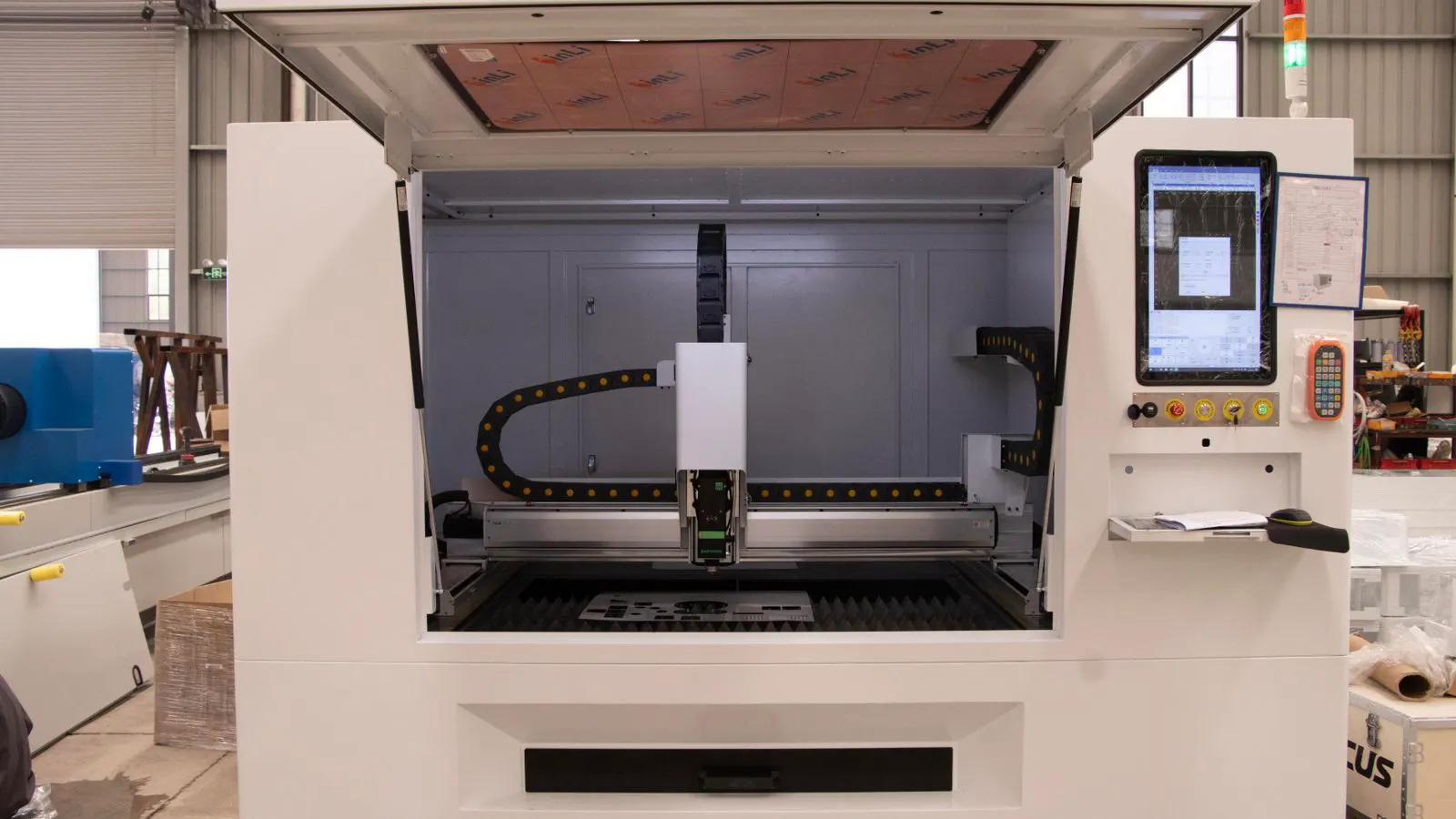
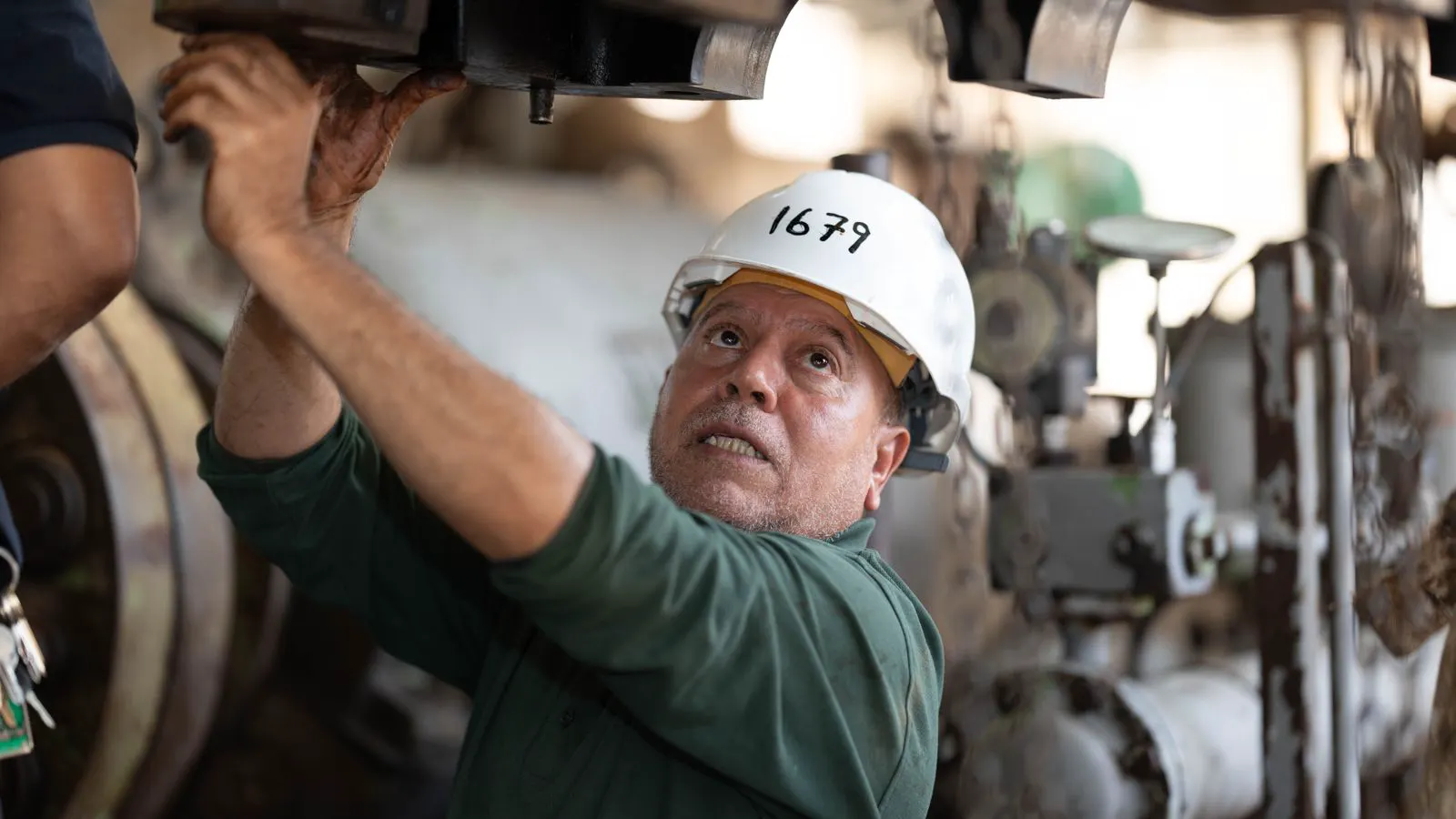
Diagnosing Laser Beam Quality Issues from Supplier Changes
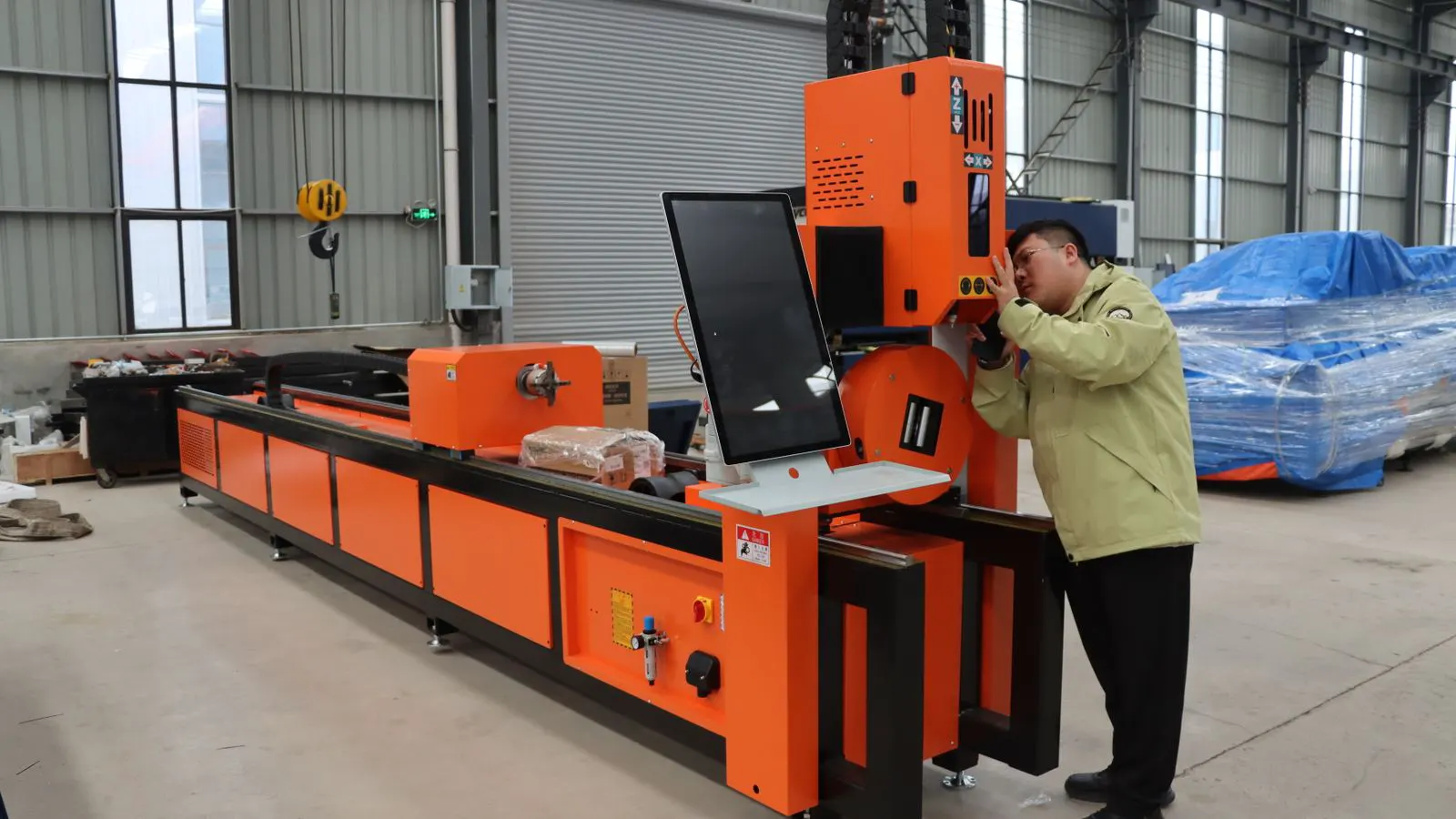
Identify laser beam quality issues by comparing baseline performance data with post-service metrics. Check for spot size drift, power instability, and contamination patterns. Use systematic inspection to determine if component aging or poor workmanship caused the fault.
- Record baseline beam metrics before any supplier service visit to create a defensible comparison baseline.
- Look for spot size expansion, power fluctuation, and patterned contamination as primary indicators of poor workmanship.
- Use beam consistency checks at multiple points along the optical path to isolate specific component failures.
- Request detailed part replacement logs and torque specifications from suppliers to verify service quality.
- Implement a scheduled verification routine to catch beam degradation before it impacts production quality.
Why beam quality changes after service
Laser beam quality issues often appear after a supplier service visit, but the symptoms can mimic normal component aging. A weakened galvanometer mirror, a dirty beam expander, or a misaligned coupler can all shift the beam profile in subtle ways. Operators who rely only on visual inspection miss these changes. They need quantifiable data points that show exactly what shifted and when.
The root cause usually falls into two categories. Component degradation means the part reached the end of its useful life and no longer performs to spec. Service error means a technician replaced a good part with a substandard one, installed a new part incorrectly, or skipped a calibration step. Both scenarios damage production yield and tool life.
Consider a sheet metal fab shop that notices increased dross on thin stainless steel after a routine laser head inspection. The technician replaced the nozzle and cleaning head, assuming the cut quality issue was due to clogging. However, the technician did not verify the collimation of the beam expander during the disassembly. The laser head assembly was reinstalled with a slight angular deviation. The beam now strikes the material at a slightly different angle, causing heat to concentrate on one side of the kerf. This uneven heating produces the dross the operator sees. Without a baseline measurement of the beam profile taken before the service visit, the operator cannot distinguish between a new part failure and a calibration error.
Another common scenario involves the cooling system. A supplier service team may clean the water lines and replace the filter cartridge, assuming that solves any instability. They may miss a failing laser diode module or a degraded fiber laser source. If the power output fluctuates by more than two percent between cycles, the cut quality will suffer even if the beam shape looks correct. The technician must verify the diode current and thermal stability, not just the coolant flow.
These examples highlight a critical gap in many maintenance workflows. Service teams focus on replacing visible parts. They often skip the optical alignment checks that confirm the beam path is true. The result is a machine that runs, but runs poorly. The production team sees the degradation as a new problem, when it is actually a service side effect.
How to establish a reliable baseline
Before a supplier arrives, capture your current machine state. Take photographs of the beam profile at the work zone using a calibrated viewing screen. Measure the spot diameter at three different focal positions. Record power output at 10 percent, 50 percent, and 100 percent duty cycle. Store these values in a dated log file that references the specific machine ID and current job parameters.
This baseline serves two purposes. It gives you a concrete reference point for comparison after the service visit. It also provides documentation if a dispute arises over whether a part was actually replaced or merely adjusted. Without this record, you are arguing from memory and general impressions. With it, you are comparing numbers against numbers.
The baseline process requires specific tools and a standardized procedure. Use a beam profiler or a calibrated viewing screen with a scale. Place the screen at the focal plane of the cutting nozzle. Capture the image at the center of the beam path. Repeat the measurement at the focal position used for thin material, standard plate, and thick material. For power measurement, use a power meter or a current sensor on the laser diode module. Record the reading at steady state, not during the pulse cycle.
Create a simple spreadsheet or digital log. Include columns for date, machine ID, technician name, part numbers of any replaced components, focal position, spot diameter, power output, and cooling system status. Attach the beam profile photograph to the log entry. If you use a CAD or ERP system, link the log entry to the specific work order. This creates a chain of custody for your machine’s performance data.
A practical example helps illustrate the value of this record. A machine shop replaces the fiber laser source after a power drop. The supplier claims the new source is rated for 100 percent of the original output. The shop runs a baseline test before the replacement, showing 85 percent output. After the service, the output is 90 percent. The shop cannot prove the supplier installed a substandard part because the original machine was already degraded. The baseline log shows the machine was performing well before the service, proving the new part should have restored full performance.
Identifying specific fault patterns
Different component failures produce distinct beam signatures. A failing laser head often shows a soft, expanding spot with low power at the center. A contaminated lens creates a hard edge with a bright, irregular pattern. A misaligned beam expander shifts the entire beam off-axis without changing the spot size. Recognizing these patterns helps you point to the specific component that needs attention.
The table below maps common symptoms to their likely causes and the actions that address them. Use it as a quick reference during your first inspection after service.
| Symptom | Likely cause | What to do |
|---|---|---|
| Spot size increased by more than 10 percent | Worn beam expander or misaligned coupler | Measure spot size at multiple focal points. Check coupler seating and torque. |
| Power fluctuation above 5 percent between cycles | Failing laser diode or dirty water filter | Run a power stability test. Inspect water lines for mineral deposits. |
| Beam shifted off-center from the nozzle | Misaligned beam expander or loose mirror bracket | Use a viewing screen to trace the beam path. Realign mirrors to the optical axis. |
| Patterned dark spots or streaks on the beam | Contaminated lens or laser head window | Perform a safe beam inspection. Replace optical components if residue is visible. |
| Inconsistent cut edge quality on thin material | Inadequate beam focus or unstable power | Verify focus distance and run a power consistency check at low and high speeds. |
| Excessive spatter on reflective materials | Beam impingement angle too shallow or power too high | Adjust the nozzle height and review the process parameters for the specific material. |
Each symptom in the table points to a specific mechanical or optical fault. A spot size increase usually indicates that the beam is not converging properly. This happens when the beam expander optics are worn or the coupler is not seated correctly. The beam expands too much before it reaches the nozzle, resulting in a larger spot and lower energy density. The cut becomes slower and produces a wider kerf.
Power fluctuation is a different problem. It affects the stability of the cut, not the size of the spot. A failing laser diode causes the output to drop and recover in a pattern. A dirty water filter restricts coolant flow, causing thermal spikes in the diode module. The beam flickers or changes intensity during the pulse. This leads to inconsistent melt depth and jagged edges.
A shifted beam is an alignment issue. The spot size remains the same, but the beam strikes the material at an off-center position. This can happen if a mirror bracket loosens during transport or service. The beam path is no longer parallel to the nozzle axis. The cut may look normal from a distance, but the kerf is not straight. The machine may also struggle to maintain position, leading to tracking errors.
What to verify during the supplier visit
Ask the technician to walk you through each step of the service. Watch how they handle the optical components. Do they use proper cleaning supplies? Do they torque the mounting hardware to specification? Do they clean the beam path thoroughly before reassembly? These observations tell you about the quality of their work more than any verbal assurance.
Request a service report that lists every part removed and every part installed. Ask for the part numbers and, if available, the manufacturer specifications for those components. A reputable supplier will not hesitate to provide this information. They will also explain why a particular part was replaced rather than cleaned or adjusted. If they cannot explain the technical reason for a part swap, that is a warning sign.
During the visit, ask the technician to demonstrate the alignment procedure. Watch how they use the viewing screen and beam profiler. They should trace the beam path from the laser source to the nozzle. They should verify that each mirror is perpendicular to the beam axis. They should check the torque on the coupler and the focus tube. If they skip these steps or use improvised tools, the alignment is likely incorrect.
Also verify the cleaning process. Optical components require specific solvents and lint-free wipes. Isopropyl alcohol is common, but the concentration and application method matter. The technician should not use compressed air to blow dust off lenses, as this can embed particles into the coating. They should use a dry brush first, then a damp wipe. If they use household products or rough cloths, the optics may be scratched or contaminated.
Ask for a copy of the torque specifications for the mounting hardware. Loose bolts cause vibration and misalignment over time. A technician who uses a digital torque wrench and records the value provides a level of quality control that a technician who “tightens by hand” does not. This distinction is often the difference between a permanent fix and a recurring problem.
Running post-service verification tests
Do not accept the supplier’s word that the machine is ready to run. Run your own verification suite before returning to production. Start with a beam consistency check at the work zone. Measure the spot size and power output at the same focal positions you used for your baseline. Compare the new values against the recorded numbers.
Next, run a test cut on a standard material sample. Check the edge quality, kerf width, and heat-affected zone. Measure the cut at three different locations on the sample. If the results match your baseline, the service was effective. If the spot size is larger, the power is lower, or the edge quality is inconsistent, you have a specific fault to report.
The verification suite should be repeatable and fast. Use the same material, the same nozzle, and the same process parameters as your production run. Cut a straight line and a square corner. Measure the kerf width with a micrometer or a digital caliper. Measure the heat-affected zone with a magnifying glass and a ruler. Compare these measurements to your baseline data.
If the results are out of tolerance, do not return the machine to production. Document the specific deviation. For example, if the spot size is 15 percent larger than the baseline, state that clearly. If the power output is 10 percent lower, state that clearly. Send this data to the supplier immediately. Do not wait for the machine to fail during a production run.
A practical example: A supplier replaces the laser head and claims the beam quality is restored. The shop runs a test cut on 2 mm aluminum. The kerf width is 0.3 mm instead of the baseline 0.2 mm. The edge quality shows charring on the bottom. The shop measures the spot size and finds it is 12 percent larger than the baseline. The shop sends this data to the supplier. The supplier admits that the beam expander was not realigned during the service. The shop holds the supplier accountable for the incorrect work.
When to escalate a service dispute
If your post-service measurements do not match your baseline, document the discrepancy in writing. Include the date of service, the specific parts replaced, and the measured values from your verification tests. Reference the original baseline data in your report. Send this to the supplier’s technical support team and your account manager simultaneously.
Do not wait for the machine to fail again. A small beam quality issue that goes unaddressed will degrade into a production problem within days. The cost of a proper service correction is minimal compared to the cost of scrapped material, extended downtime, and damaged tooling. Act early and keep the documentation organized.
Escalation requires a clear and factual report. State the problem, the data, and the expected outcome. Do not use emotional language. Do not accuse the technician of negligence without evidence. Let the numbers speak. For example, “On [date], the machine was serviced. The new laser head was installed. Our post-service test shows a spot size of 1.5 mm, compared to the baseline of 1.3 mm. Please correct the alignment and provide a corrected service report.”
If the supplier does not respond or does not fix the issue, escalate to a higher level of management. Use your contract terms as use. Most service agreements include a warranty on workmanship and parts. If the supplier installed a defective part or made an error, they are obligated to correct it at no cost. If they refuse, you may need to seek a second opinion from an independent laser service company.
Keep a record of all communications. Save emails, service reports, and test data. This documentation protects your business if the issue escalates to a legal or contractual dispute. It also helps you make informed decisions about whether to continue with the current supplier or switch to a different service provider.
Prevention and long-term maintenance
The best defense against recurring beam quality issues is a scheduled verification routine. Run a beam consistency check at regular intervals, such as every ten hours of operation or once per shift. Record the results in a trend log. A slow drift in spot size or power output is an early warning that a component is nearing the end of its life.
Train your operators to recognize the visual signs of beam degradation. A slight change in the color of the beam or a subtle shift in the focus position can signal a problem before it becomes critical. Keep a spare set of optical components on hand so that a minor issue does not halt production.
Finally, review your supplier relationship regularly. Look at their service response time, the quality of their workmanship, and the accuracy of their part replacements. A supplier who treats your machine as a collection of parts to be swapped will eventually leave you with recurring issues. A supplier who understands your production process and maintains your baseline performance will be worth the premium.
Establish a maintenance schedule that matches your production volume. If you run the machine 24/7, perform a full beam check weekly. If you run it part-time, perform the check monthly. Include the cooling system inspection in the schedule. Check the water quality, the filter condition, and the pump performance. A clean cooling system prevents thermal drift, which is a major cause of beam instability.
Keep a spare optical kit in the machine shop. Include the lens, the nozzle, the cleaning head, and the beam expander. When a component fails, you can replace it immediately without waiting for a supplier visit. This reduces downtime and prevents production loss. The cost of the spare parts is small compared to the cost of a day of lost production.
Review your supplier relationship every six months. Check their response time, the quality of their work, and the accuracy of their parts. Ask for a report on the failure rates of the parts they install. If they install low-cost parts, ask why. If they do not provide this information, that is a warning sign. A good supplier will be transparent about their parts and their service quality.
Maintain a relationship with your supplier based on data, not trust. Trust is good, but data is better. Use your baseline logs, your verification tests, and your trend data to hold the supplier accountable. This approach ensures that your machine performs at its best and that your production process remains stable. It also gives you the use to negotiate better service terms and parts pricing.
Frequently asked questions
How do I know if a laser beam issue is from normal aging or a service error?
Compare your post-service measurements against the baseline you recorded before the visit. If the spot size or power output changed significantly, or if the pattern of contamination is new, investigate the service work.
What specific measurements should I take for a laser beam quality check?
Measure the spot diameter at multiple focal positions, verify power output at different duty cycles, and check for beam centering using a viewing screen. Store these values in a dated log.
Can I use a standard viewing screen to diagnose beam quality issues?
Yes, but make sure the screen is clean and not damaged. It is a simple tool that works well for visual inspection and basic alignment checks.
How often should I run beam consistency checks on an industrial laser?
Run checks at regular intervals based on your production schedule, such as every ten operating hours or once per shift. This catches degradation before it causes production problems.
What should I do if the supplier refuses to provide part replacement details?
Escalate the issue to their technical support manager and your account representative. Keep your own service records and baseline data to support your case.